
Cloning a Form
Last updated August 27, 2026
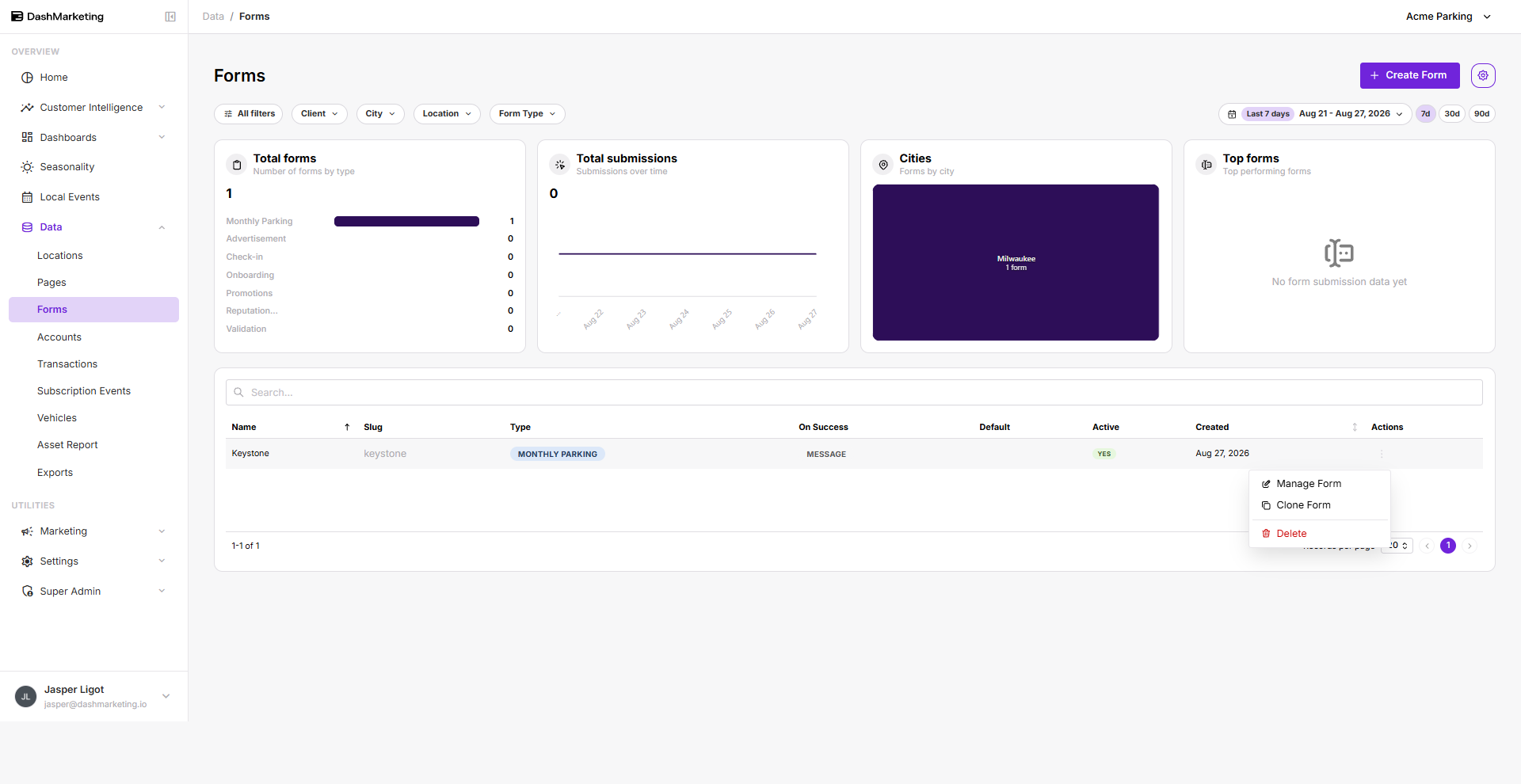
To clone a form, select the form you want to duplicate, click the vertical ellipsis on the right side, then choose Clone.
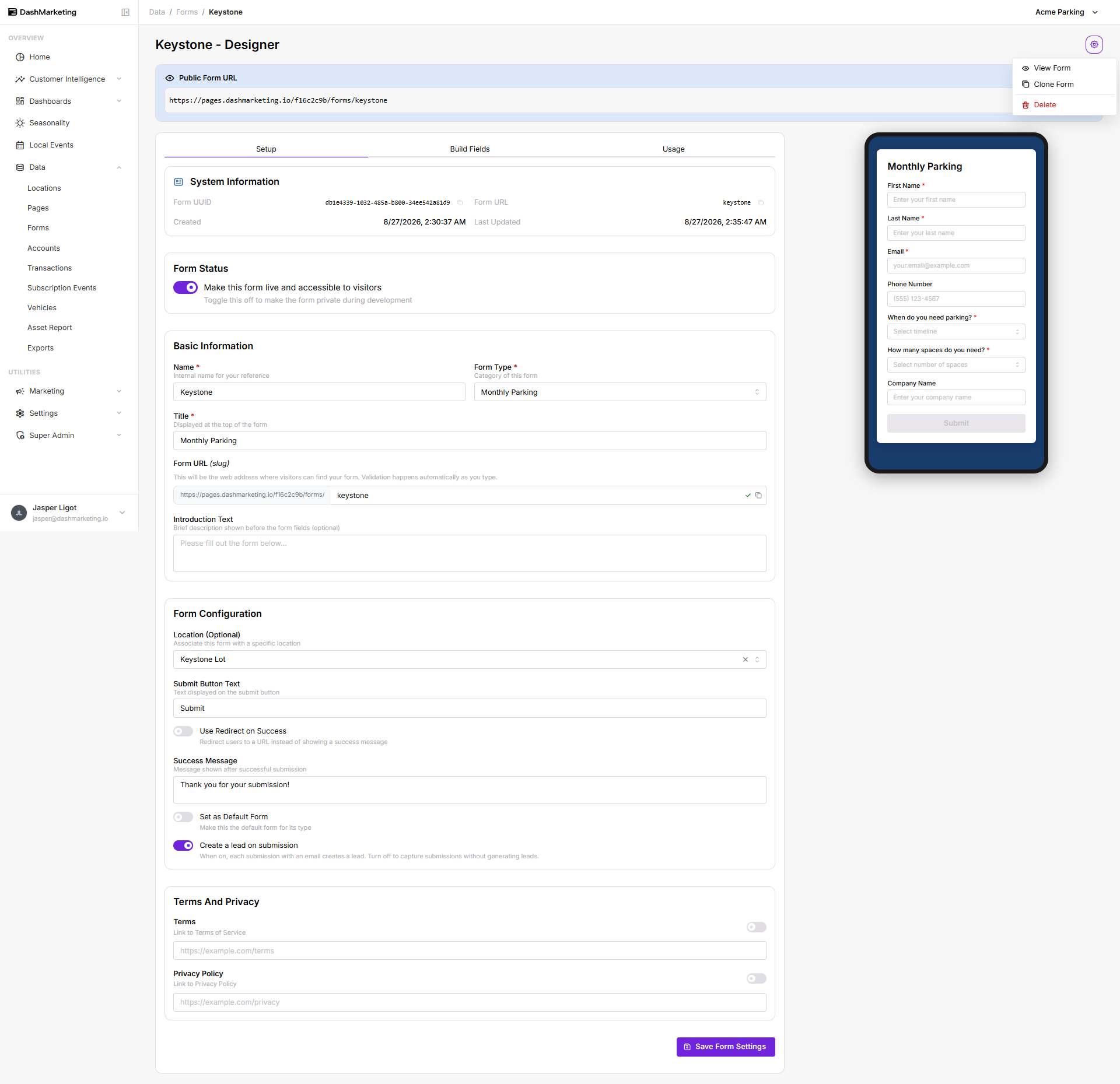
 Alternatively, you can open the form you want to clone, click the settings icon in the upper right-hand corner, then select Clone Form.
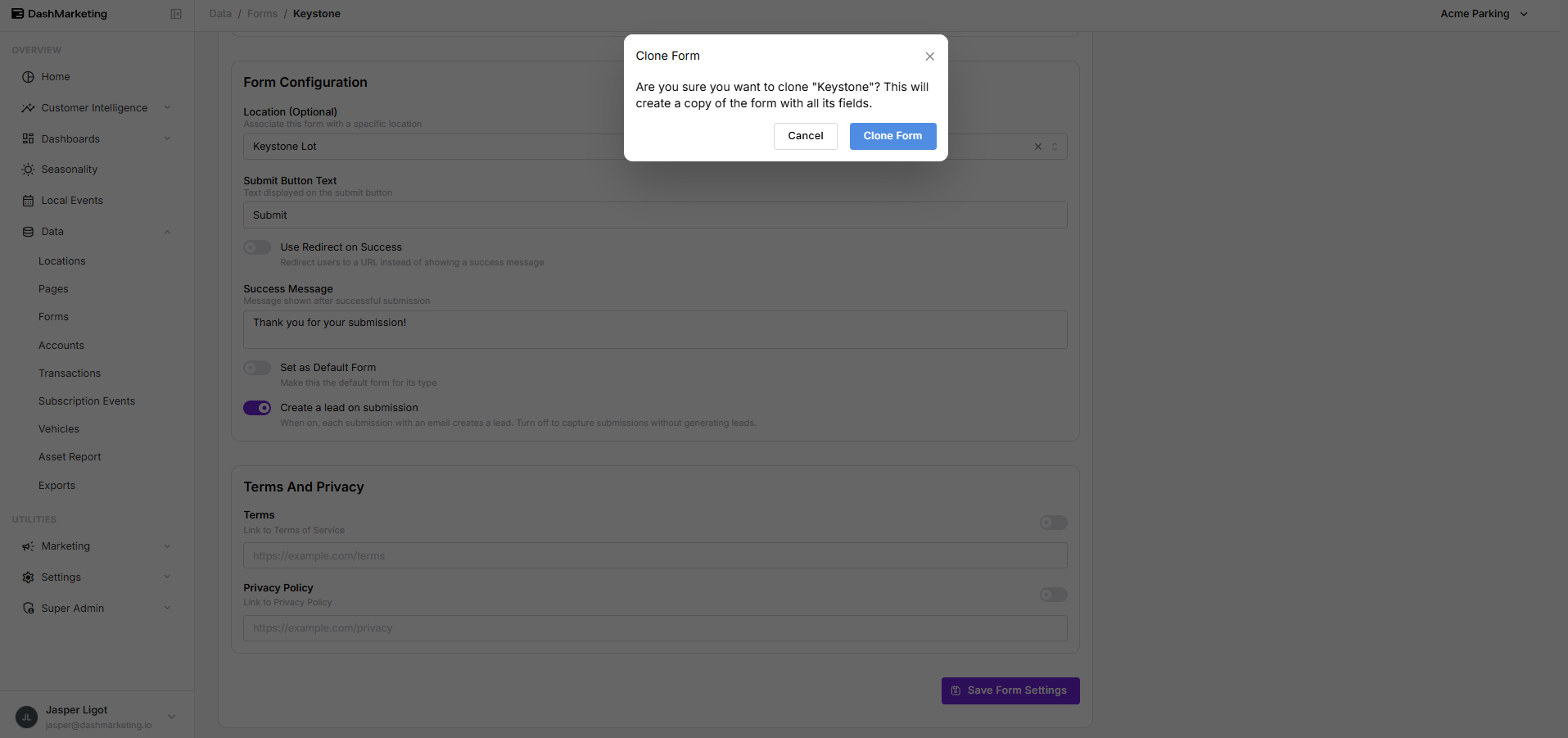
 A confirmation message will appear. Click Clone Form to continue.
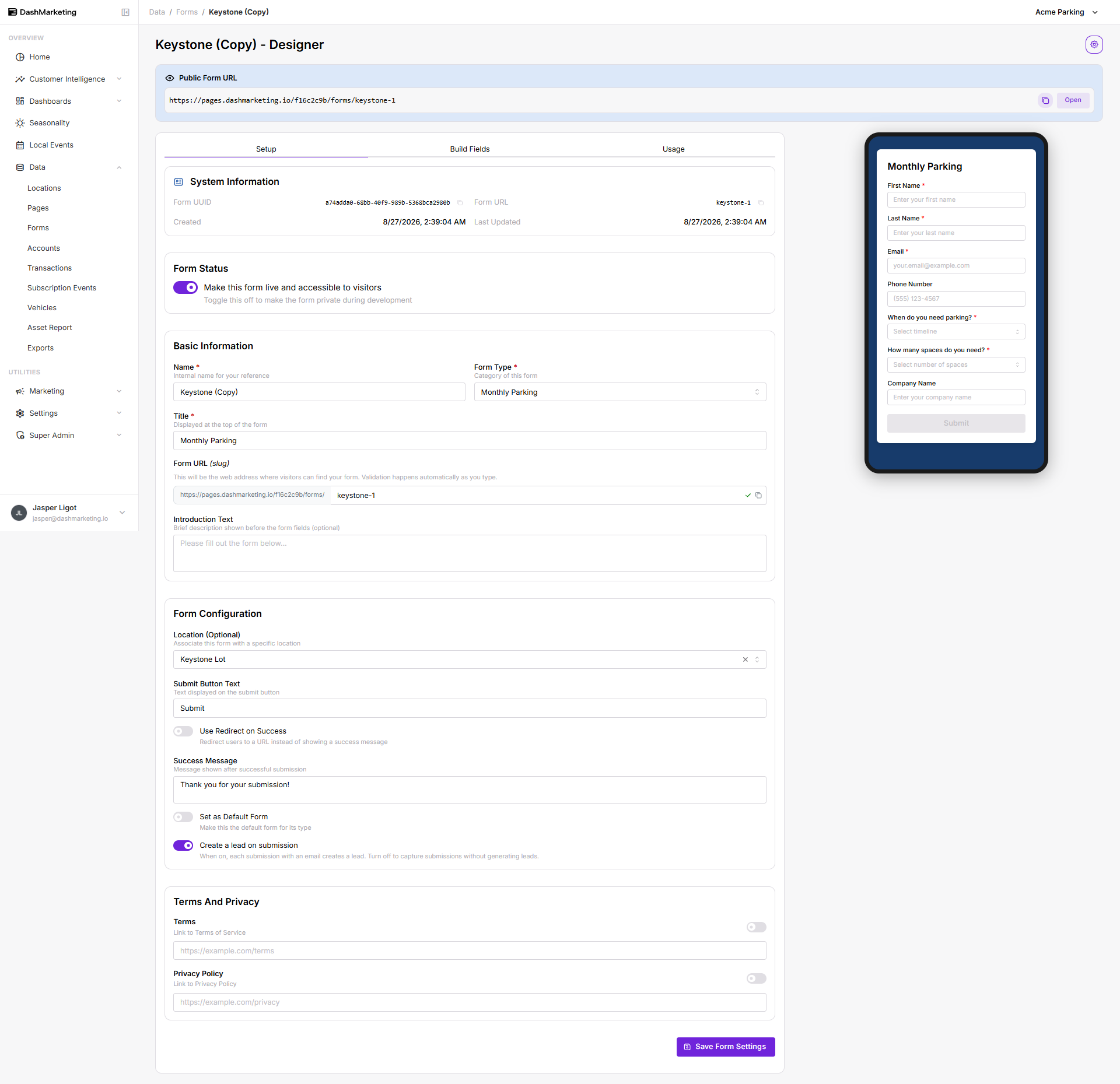
 This will be an exact copy of the original, except for the Name, which will have "Copy" appended to indicate it was cloned. Since duplicate URLs are not allowed, the Form URL will usually have "-1" added to the end to make it unique, though it may vary if another URL with the same name already exists.
Was this page helpful?