
Location Overview & Actions
Last updated August 27, 2026
locationThis guide covers the Overview tab and the Actions menu on a location's detail page — the default landing view when opening any location, plus the location-level actions available from it.
Overview Tab
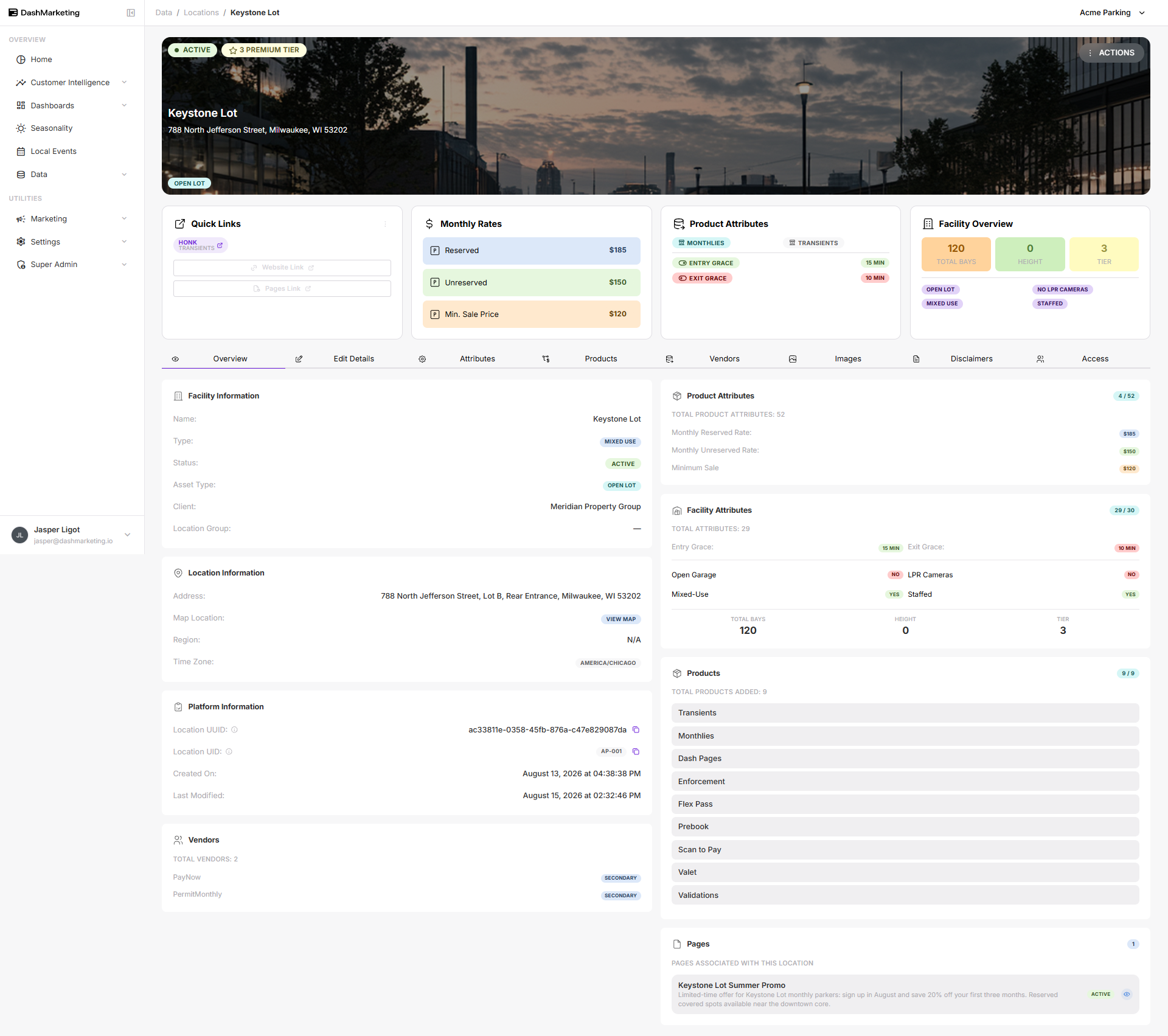
The Overview tab shows a snapshot of the location:
- Facility Information — Name, Type, Status, Asset Type, Client, Location Group
- Location Information — Address, Map Location, Region
- Rollups — Product Attributes and Facility Attributes completion
Below: the Overview tab for Keystone Lot after dummy data has been filled in — rates, attributes, and facility details are now populated instead of showing N/A.
Actions Menu
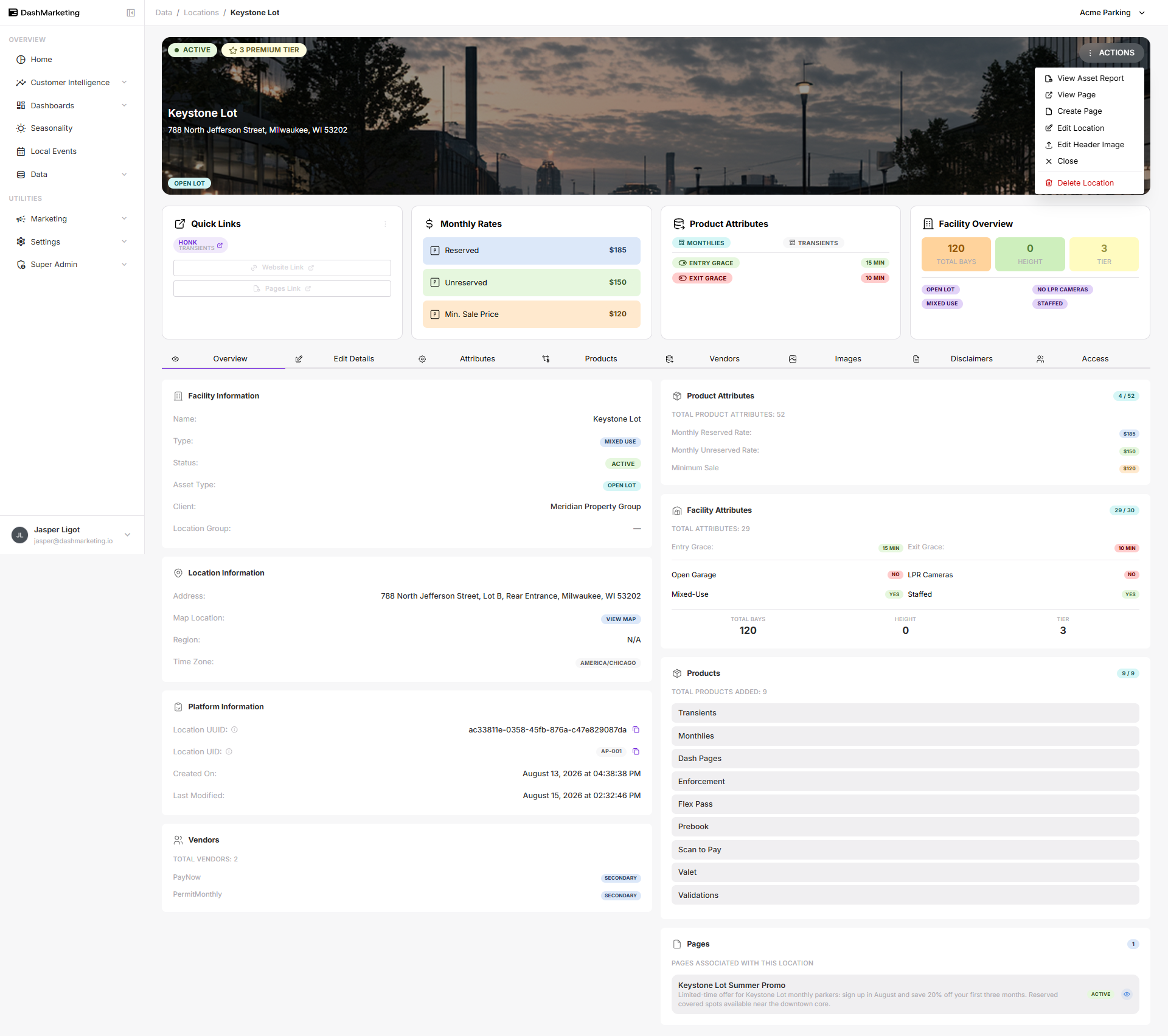
- View Asset Report — opens the location's asset report.
- Create Page — creates a new sub-page associated with this location.
- Edit Location — opens the same fields as the Edit Details tab for quick editing.
- Edit Header Image — uploads or replaces the banner image at the top of the Overview page (see "Adding a Header Image to a Location").
- Close — marks the location as closed/inactive.
- Delete Location — permanently removes the location. Destructive and cannot be undone; not performed as part of this guide.
Below: opening the Actions menu from the Overview tab of a fully populated location.
Was this page helpful?