
Managing Disclaimers
Last updated August 27, 2026
locationThis guide covers the Disclaimers tab, where legal/informational disclaimer text is configured for a location, either generally or per dashboard.
How it works
A "General (all dashboards)" disclaimer applies everywhere unless overridden. Below it, each dashboard (Platform, Asset Report, etc.) is listed as "Dashboard Specific" and shows "Inherited from General" with an Override button to set dashboard-specific text instead. Each disclaimer has an on/off toggle and can carry a tone tag (e.g. Neutral).
Disclaimers configured on Keystone Lot (worked example)
General (all dashboards)
"Rates subject to change," tagged Neutral and toggled on. The Platform and Asset Report dashboards both inherit this same text rather than overriding it.
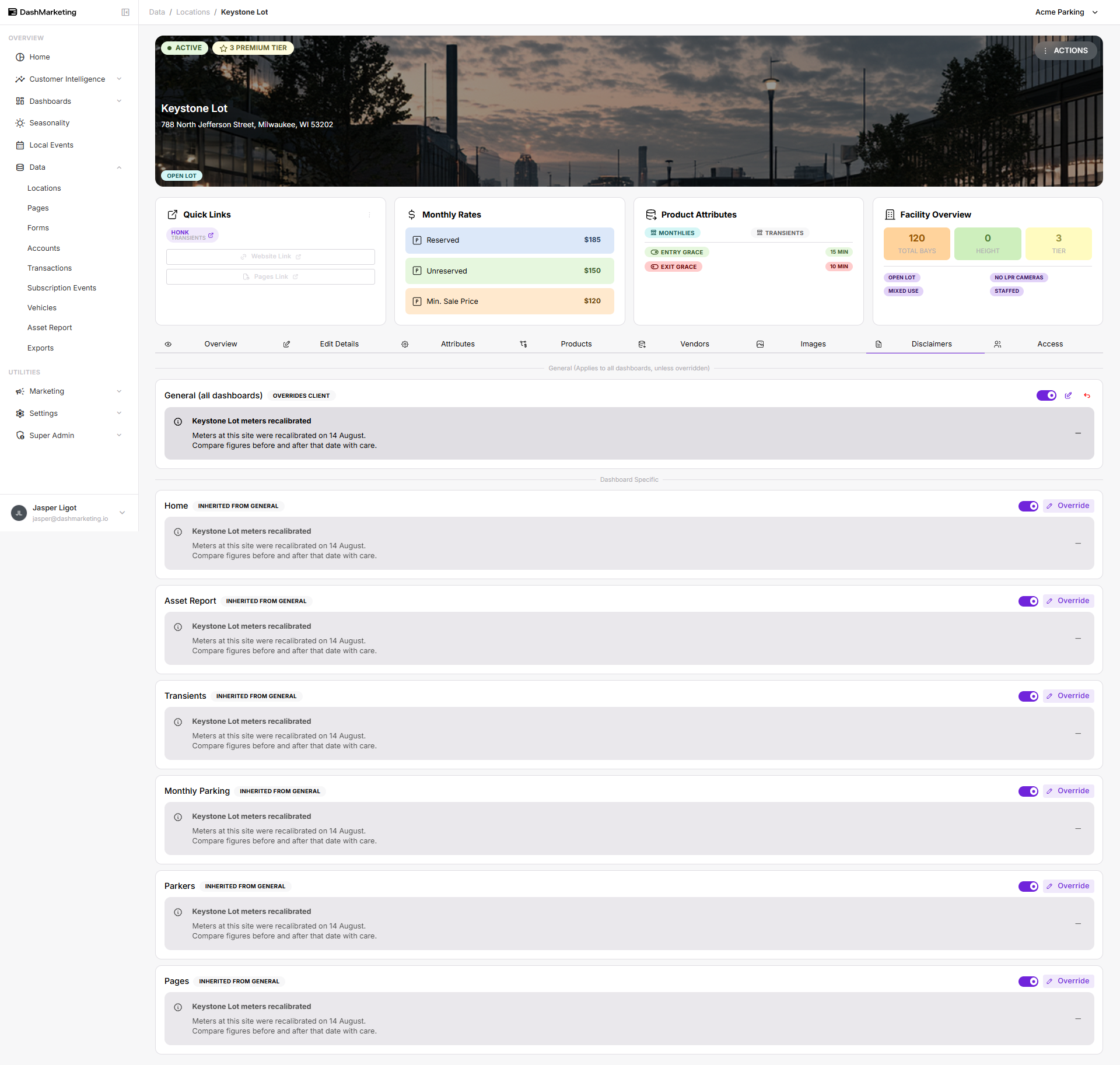 Above: the Disclaimers tab for Keystone Lot showing the General disclaimer and two dashboards inheriting it.
Was this page helpful?