
Adding a New User
Last updated August 27, 2026
How it works
Roles determine what a user can access — which organizations, clients, or locations they can view, and whether they can only view data or also make changes to it. You can add a new role assignment, review existing ones, or alter a user's role at any time.
Adding a role
In the top right corner, click New User.
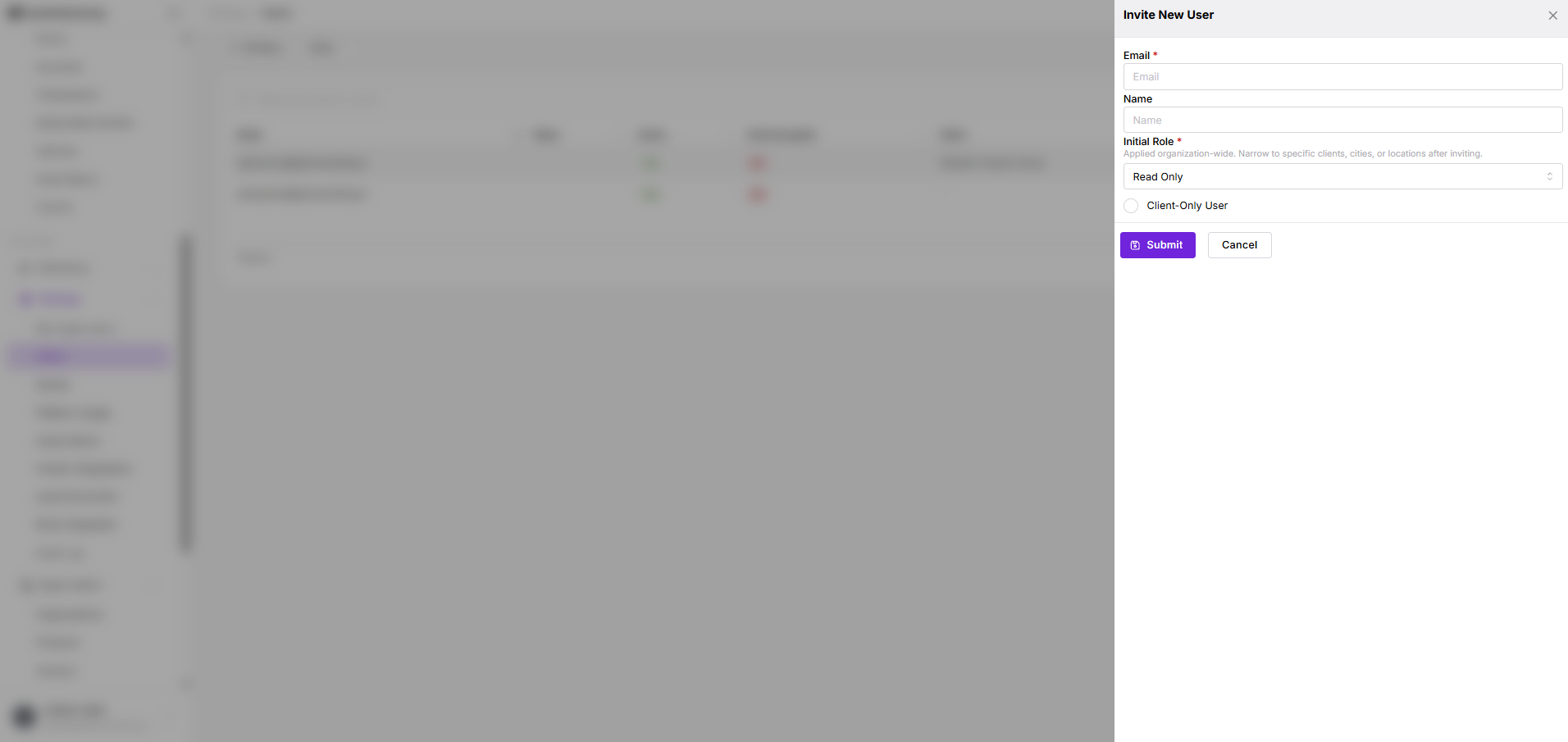
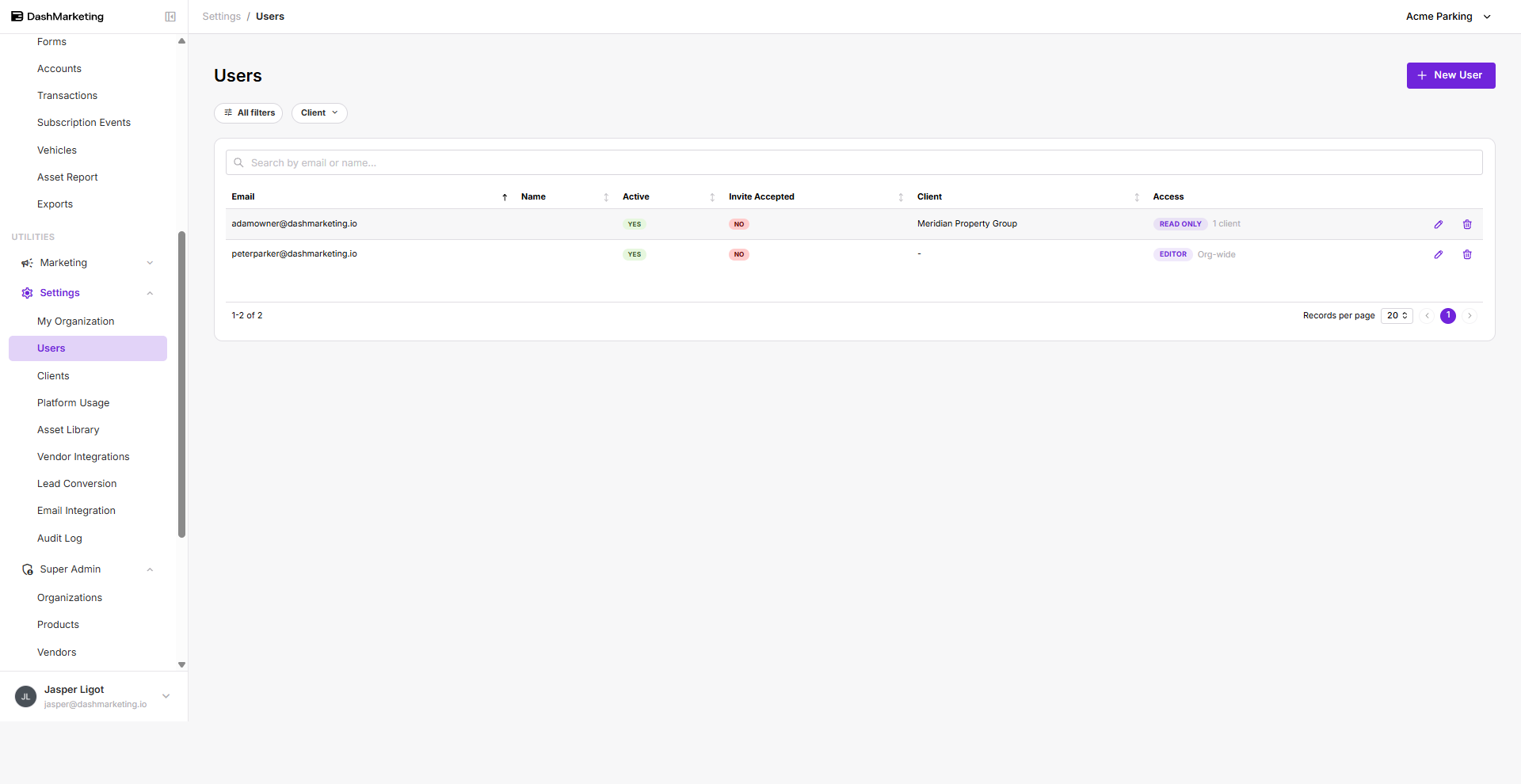 Fill in the following:
- Email — required
- Role — required
- Name — optional
Available roles:
| Role | Access |
|---|---|
| Admin | Full access, including users and billing. |
| Editor | Can create and edit operational data. No access to users, billing, or credential management. |
| Read Only | Can view and export everything in scope. No changes allowed. |
| Analyst | Dashboards and reports only. No access to PII or row-level operational data. |
Once the required fields are filled in, click Submit.
Was this page helpful?