
Deleting a User
Last updated August 27, 2026
Deleting a user
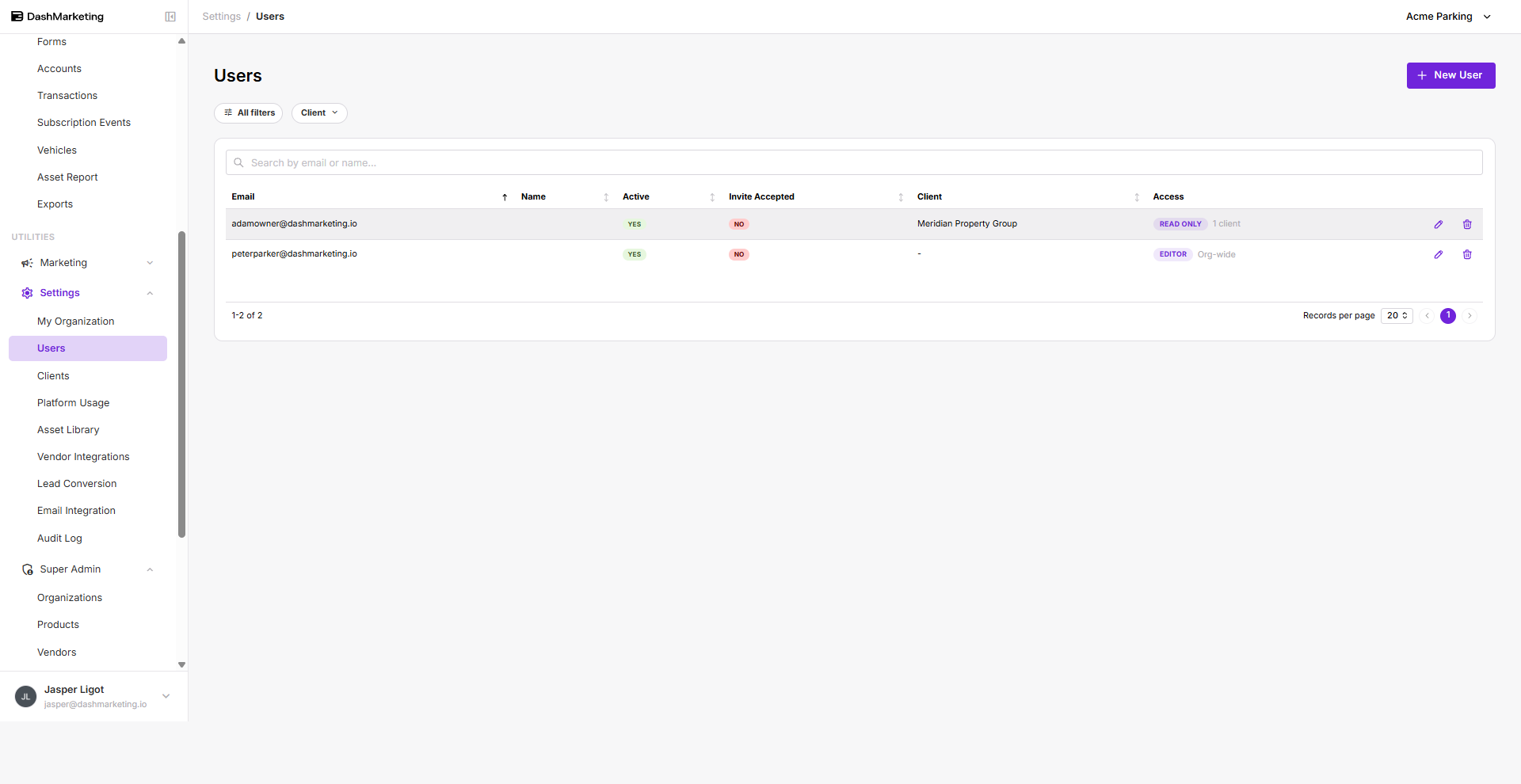
To delete a user, click the pencil icon on the right side of the person you want to remove.
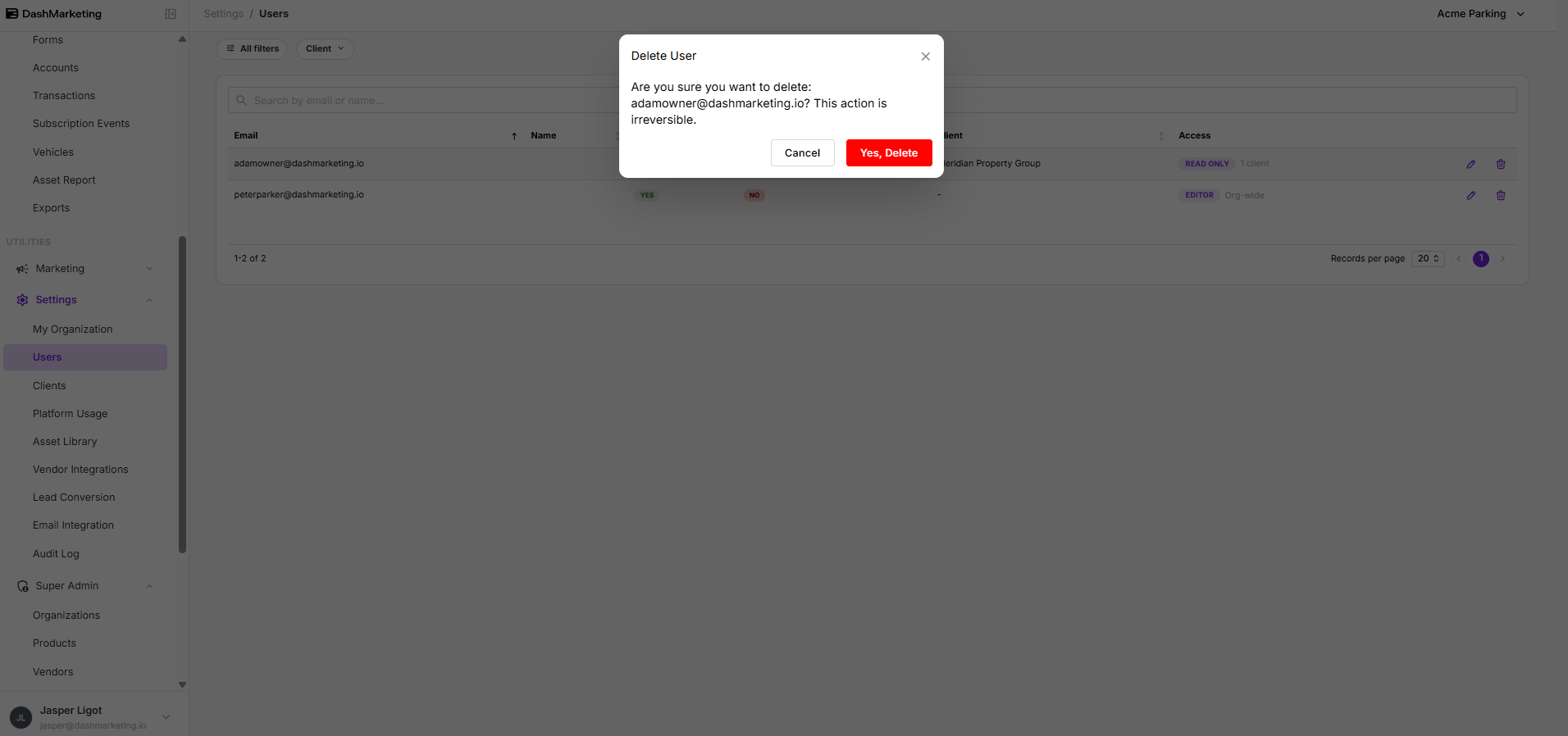
 A message prompt will appear asking you to confirm. Click Yes, Delete to delete the user.
Was this page helpful?